
You spent good money on a nice website. It looks sharp on your phone, your friends said "wah, cantik", and you were proud to share the link. Then a few months later you Google your own business and... nothing. Or worse, the only thing that shows up is your old Facebook page and somebody else's blog. Sound familiar?
This is one of the most common complaints we hear from business owners around KL, Kota Bharu, and everywhere in between. The website is done, but it's basically invisible on Google. Here's the good part: it's almost always fixable, and usually the problem is not that your website is ugly or badly built. It's a handful of specific things nobody bothered to explain to you.
A website nobody can find on Google is like a beautiful signboard hung inside a locked room.
First, How Google Actually Works
Before the reasons, you need three words: crawl, index, rank. Google sends out a bot to crawl (read) your pages. If it likes what it sees, it stores the page in its index (a giant library). Then, when someone searches, it decides the rank (the order results appear). If your site isn't showing up, you're stuck at one of these three stages. Most of the reasons below are just different versions of that.

Reason 1: Your Website Is Simply Too New
If you launched last week, relax. Google needs time to find and trust a new site. For a brand-new domain, it can take a few weeks to a few months before you rank for anything beyond your exact business name. There's no shortcut to skip this completely, but there are ways to speed it up (more on that below).
Reason 2: Google Hasn't Indexed Your Site Yet
Quick test you can do right now: go to Google and type site: followed by your domain, like site:yourbusiness.com. If nothing comes up, Google hasn't indexed a single page of your site. The fix is to set up Google Search Console (it's free), submit your sitemap, and request indexing. This one step alone solves the problem for a lot of businesses.

Reason 3: You Accidentally Told Google to Stay Away
This sounds silly but it happens all the time, even with expensive websites. Many sites get built with a setting that blocks Google during development, and somebody forgets to switch it off before launch. In WordPress especially, there's a tiny checkbox that quietly tells search engines not to index the site.
In WordPress, go to Settings > Reading and make sure "Discourage search engines from indexing this site" is UNCHECKED. We have genuinely seen RM10,000 websites sit invisible for months because of this one tickbox.
Reason 4: You're Targeting the Wrong Words
Your customers don't search the way you describe your own business. You might call yourself a "floral design studio", but the auntie in Shah Alam is typing "kedai bunga dekat saya". If your website only uses fancy branding language and never the plain words people actually search, Google has nothing to match you against. Write the way your customers talk, not the way your brand consultant talks.
Reason 5: There's Not Enough Content on Your Site
A single-page website with three sentences and a WhatsApp button is nice and clean, but Google has almost nothing to work with. Sites that rank tend to answer real questions: what you do, who you serve, how much it costs, where you are, and why someone should trust you. Thin content is one of the most common reasons a good-looking site never ranks, and it's something we plan around from the start when we do web design.
Reason 6: You Don't Have a Google Business Profile
If you serve customers in a specific area, you really can't skip this one. Google Business Profile is what puts you in the map results and the local "pack" that sits at the top of the page. It's free, it takes about fifteen minutes to set up, and for a lot of local businesses it brings in more enquiries than the website itself. If you haven't claimed yours, go do it after you finish reading.
Reason 7: Your Site Is Slow or Bad on Mobile
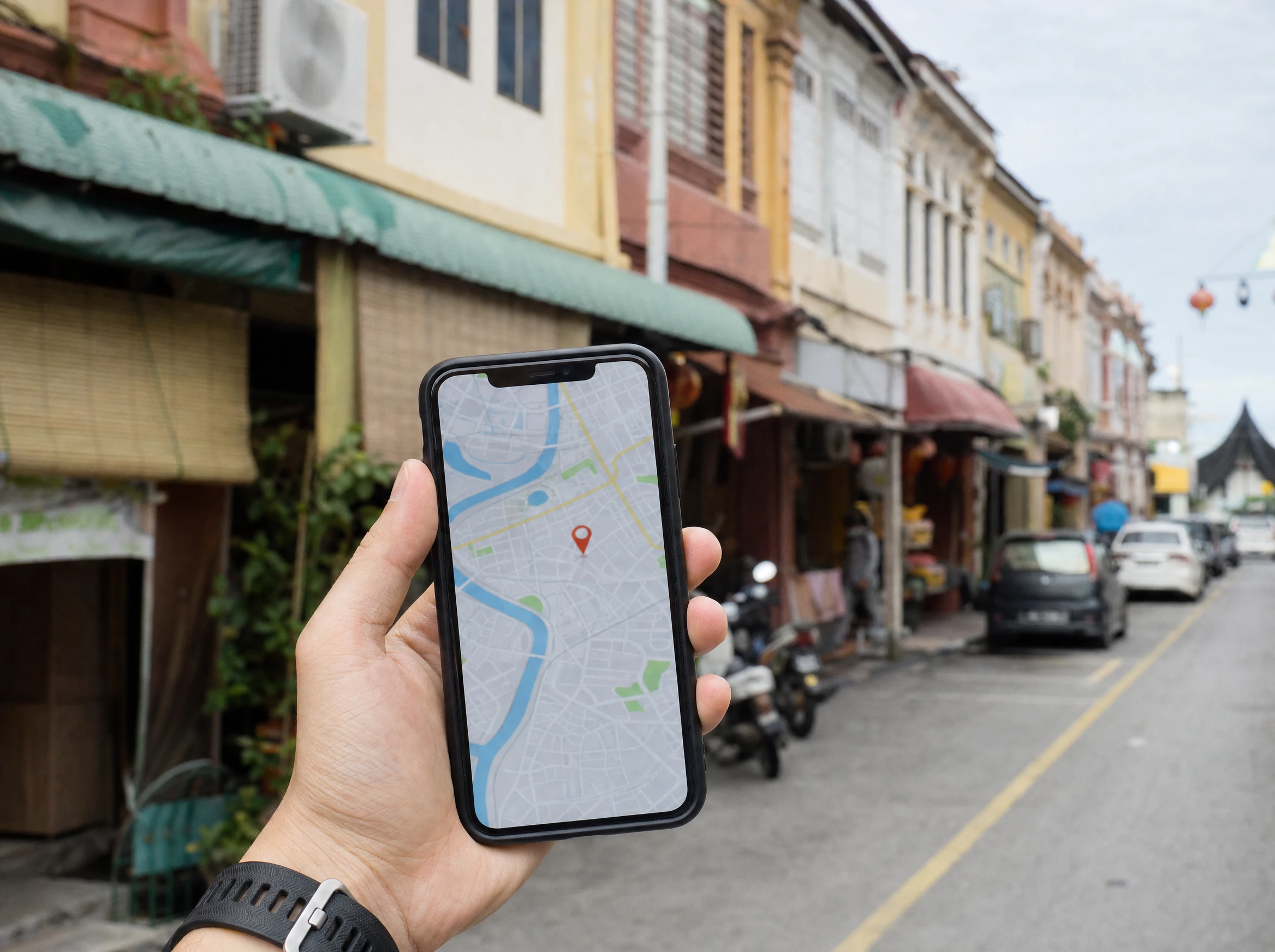
Most of your visitors in Malaysia are on their phones, on mobile data, often with one bar of signal. If your homepage takes seven seconds to load or the buttons are tiny and overlapping, people leave, and Google notices. Google now judges your site mainly by how it performs on mobile, so a heavy, slow site quietly holds back your ranking. If your site has slowly become bloated over the years, that's exactly the kind of thing our website maintenance plans keep on top of.
Reason 8: Nobody Else Links to You
When other trusted websites link to yours, Google reads it as a vote of confidence. A brand-new site with zero links from anywhere has very little authority, so it struggles against established competitors. Getting listed in local directories, industry sites, or a supplier's partner page all help build this up over time.
Reason 9: Your Competitors Already Own Page One
Some searches are just hard. If you're a new web designer trying to rank for "web design Malaysia", you're up against agencies that have been blogging for ten years. The smart move is to start with easier, more specific searches first, like your service plus your town, then work your way up as your site gains trust. Pick fights you can win early.
A Quick Self-Check You Can Do Today
- 1Google site:yourdomain.com. No results means you're not indexed yet.
- 2Set up Google Search Console and submit your sitemap.
- 3If you're on WordPress, check that the "discourage search engines" box is unchecked.
- 4Search for your service plus your town (for example "aircond service Kota Bharu") and see if you appear anywhere.
- 5Claim and complete your Google Business Profile.
- 6Test your site on your phone using mobile data, not office WiFi, and time how long it takes to load.
When to Just Call a Professional
If you've gone through the checklist and you're still nowhere, it's usually a sign the issue runs deeper, like site structure, content, or technical setup. That's normal, and it's exactly the kind of thing our SEO service untangles every week for businesses across Malaysia. SEO isn't magic and it isn't instant, but with the right fixes most sites start climbing within a few months.
Stuck and not sure where the problem is? We'll run a free check on your website and tell you straight what's holding it back, no jargon, no hard sell.
Get a free website checkNext Step
Want to know why your site isn't ranking?
We'll look at your site and tell you what's holding it back — indexing, technical, or content. First conversation is free.